Why the boost needs a small audio plug-in
macOS will not turn a device up past its own maximum. The volume it exposes runs from 0 to 1, and 1 is the hardware ceiling — there is no public way to ask for more. Real extra loudness has to come from a software gain stage somewhere in the audio path, which means something has to sit in that path.
So the installer adds one small virtual audio device beside the app. Switch Boost on and system audio plays into that device; Lenovo Dock Manager reads it back, multiplies it, runs it through a limiter so loud passages get louder instead of distorted, and hands the result to the dock. Switch Boost off, quit the app, or unplug the dock and your output goes straight back to where it was. If the app is ever force-quit while boosting, it repairs the routing the next time it launches.
The plug-in is a plain user-space audio driver — not a kernel extension and not a system extension. It is signed with the same Developer ID as the app and notarised with it. Everything else in the app works whether or not you ever turn Boost on.
Removing it completely
Drag Lenovo Dock Manager from your Applications folder to the Trash, then in Terminal run: sudo rm -rf /Library/Audio/Plug-Ins/HAL/LenovoDockBoostDriver.driver && sudo killall coreaudiod — that removes the virtual device and restarts audio. Nothing else is written anywhere on your Mac.
It makes no external calls
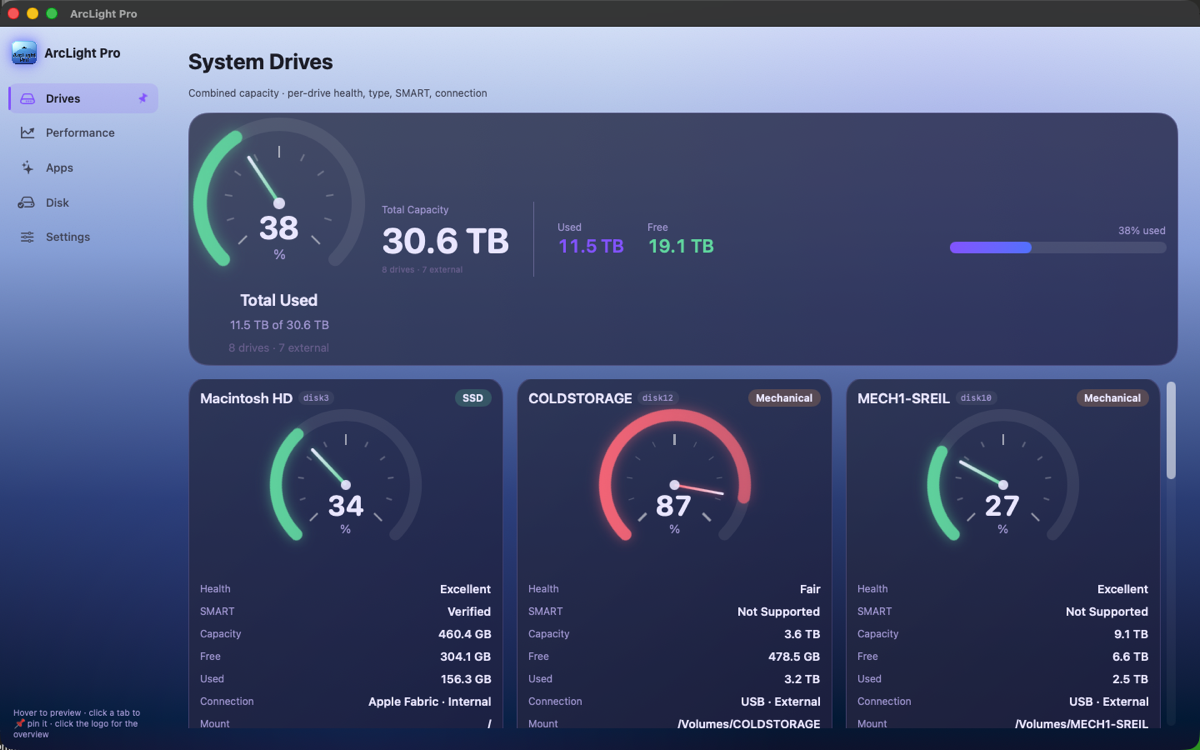
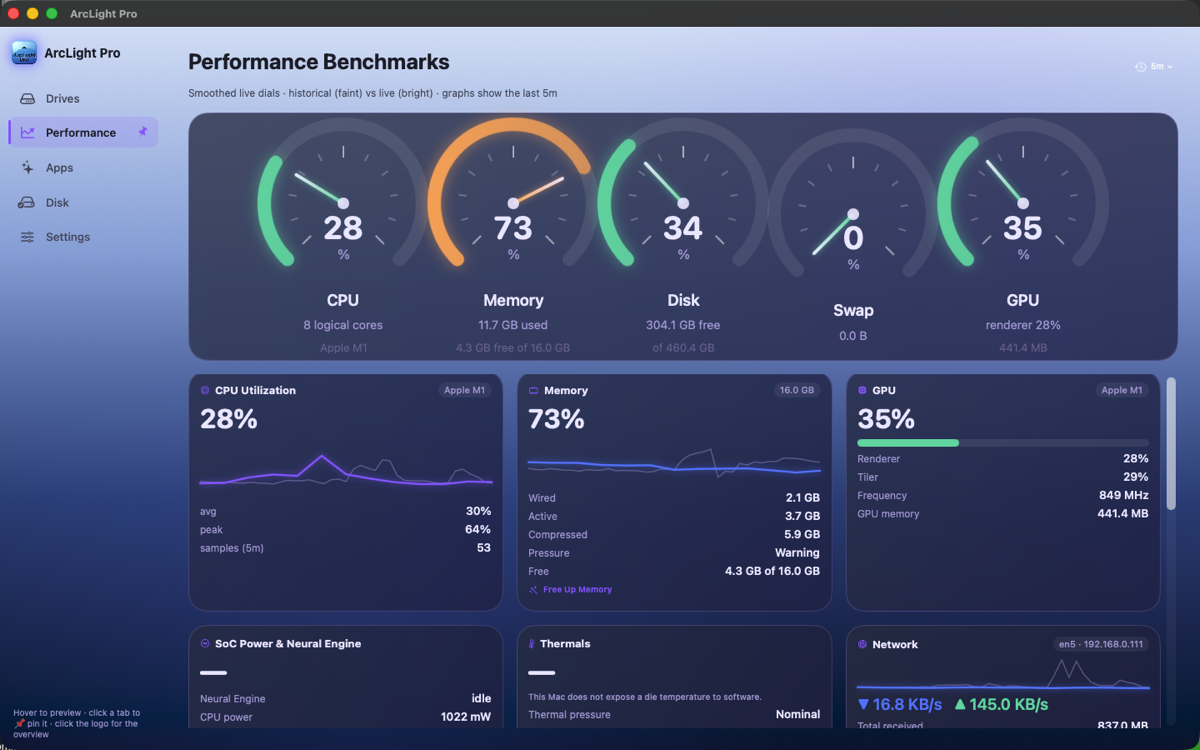
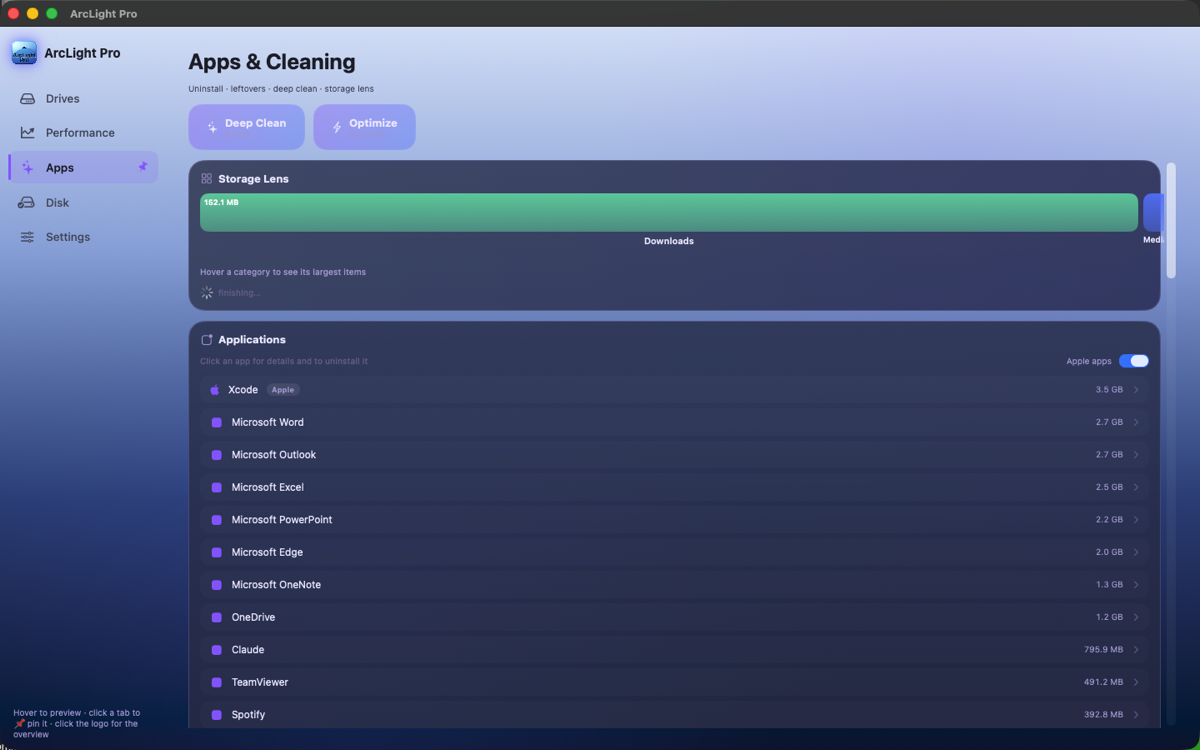
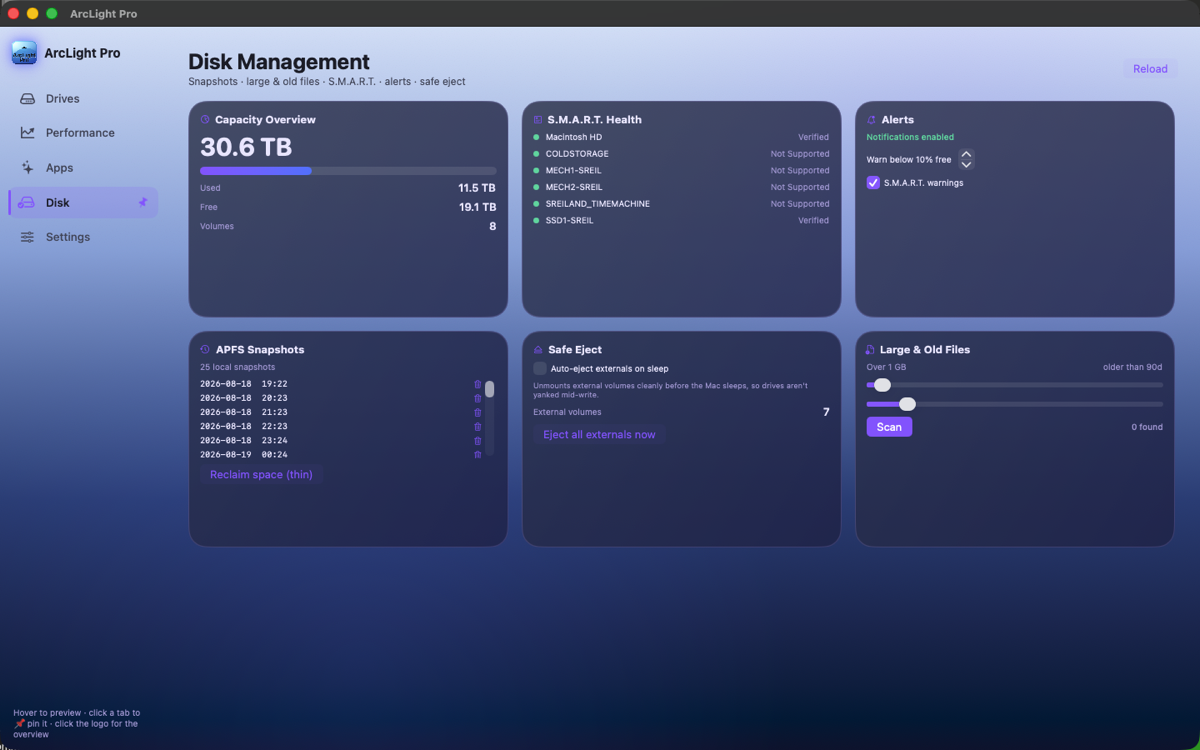
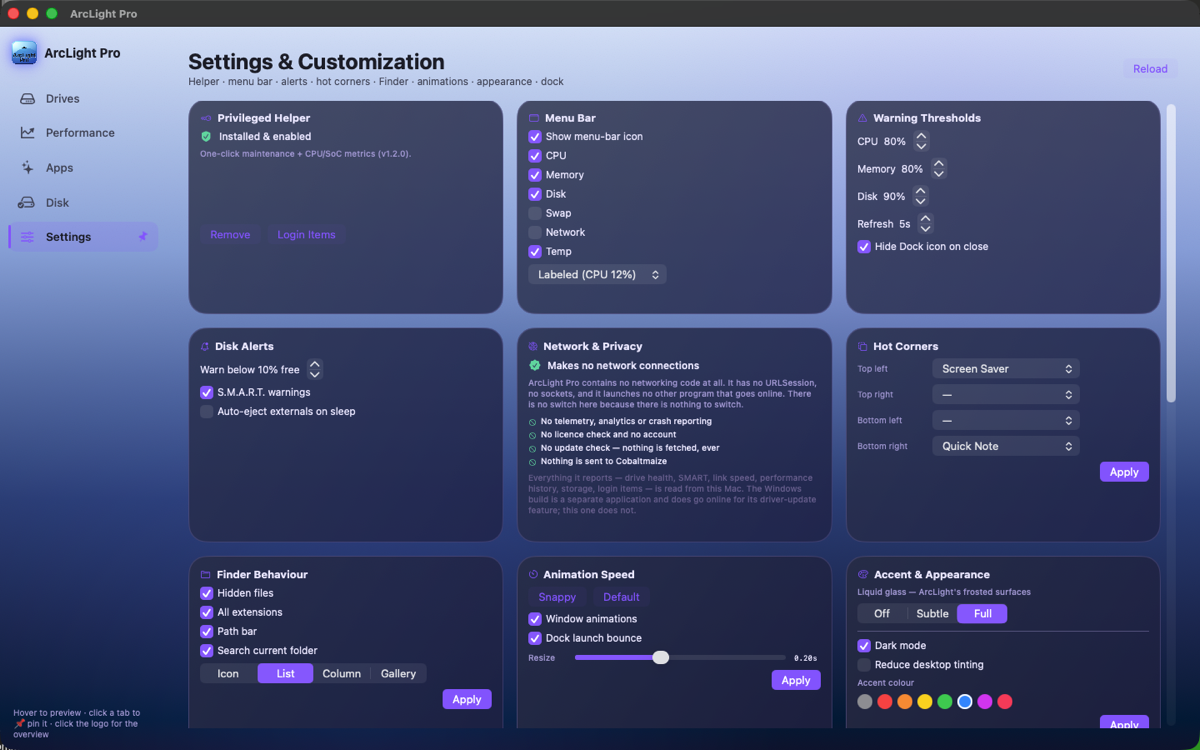
Like ArcLight Pro for Mac, this app contains no networking code: no URLSession, no sockets, no embedded browser, and it launches no other program that could go online for it. There is no update checker, no licence check and no analytics. Pull the Ethernet cable and switch off Wi-Fi and every feature behaves identically, because all of it reads from your own machine. The finished binaries are checked the same way ArcLight's are — the shipped app and the shipped plug-in link nothing but Apple's own local frameworks.
Turn it up carefully
The amplifier goes to +30 dB, which is a very large increase — roughly thirty times the voltage your dock would otherwise put out. Start at 0 dB and raise it slowly, and do not wear headphones the first time you switch it on. Loud audio damages hearing permanently and can damage speakers. The limiter keeps it from distorting; it does not keep it from being too loud.
Licence
Free. No licence key, no registration, no account. Use it on as many Macs as you like, at home or at work, and pass the installer on to anyone you like as long as you pass it on unmodified and free of charge. It is supplied as-is with no warranty of any kind, and no fee has been paid for it. The full licence is shown during installation and is also inside the app bundle, along with the attribution notices.
Lenovo Dock Manager is published by Cobaltmaize and is not a Lenovo product. Cobaltmaize is not affiliated with, authorised by, endorsed by, or officially connected to Lenovo in any way. Lenovo, ThinkPad and ThinkPad Hybrid USB-C with USB-A Dock are trademarks of Lenovo; DisplayLink is a trademark of Synaptics; Mac and macOS are trademarks of Apple. Those names appear here for one reason only — to say which hardware this software is for. The app contains no Lenovo software and no vendor firmware, protocol documentation or proprietary command set: it reads what macOS already reports about attached USB devices, and writes only through public CoreAudio interfaces that any application may use. If any rights holder believes otherwise, please write to shaun.reiland@gmail.com and we will engage promptly and in good faith.